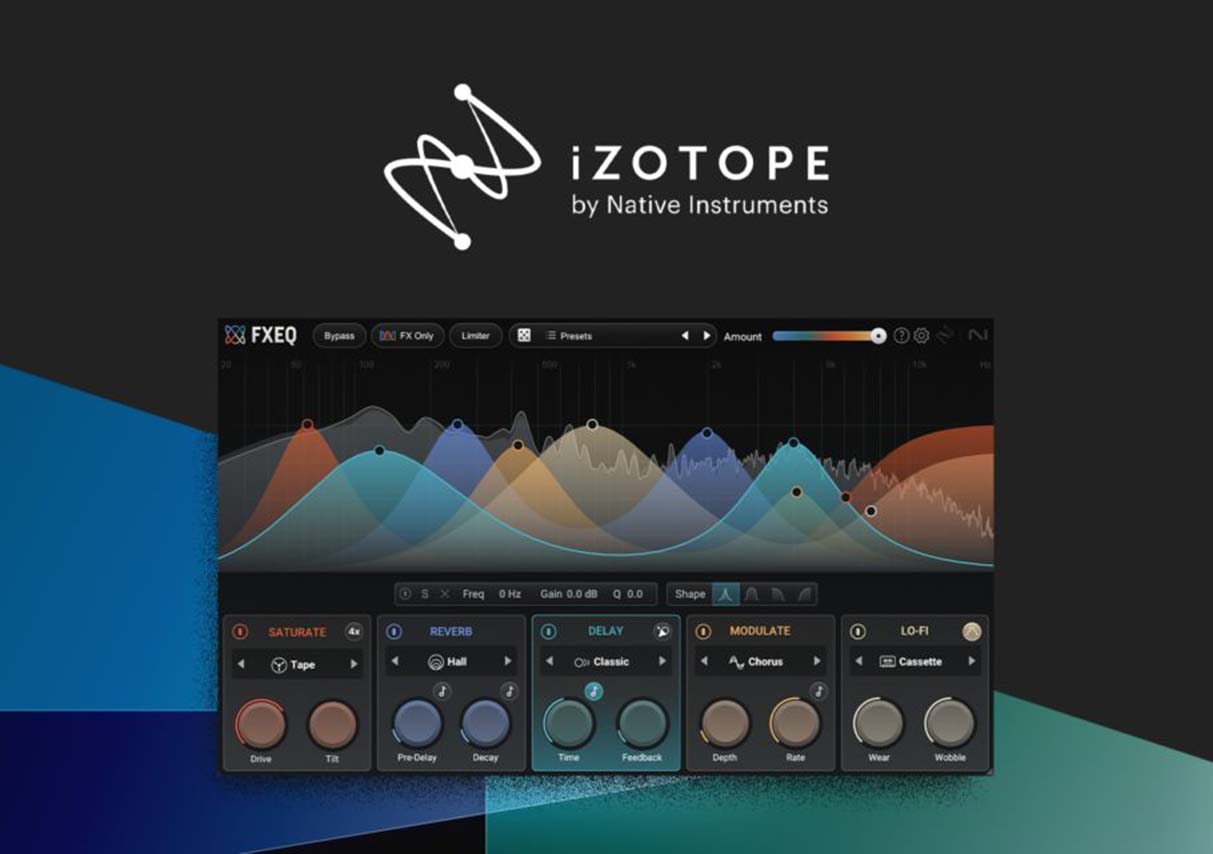
Working in my small home studio, I often find the process of making music to be both exhilarating and challenging. With every new track I create—from arranging and recording to mixing and mastering—I have to juggle a multitude of details. The mixing stage, in particular—managing multiple tracks and balancing the layers of instruments against the vocals—often leaves me feeling completely drained. Not to mention the occasional background noise or vocal artifacts (such as mouth clicks) that inevitably creep into the recordings, often compromising the overall quality of the final piece.
A few months ago, I began experimenting with iZotope’s software tools, and the experience has completely revolutionized my creative workflow. Tools like Ozone, Neutron, RX, and Nectar have not only dramatically boosted my efficiency but have also elevated the sonic quality of my work, bringing it much closer to professional industry standards.
Mixing Challenges in a Home Studio
In a home studio environment—devoid of professional acoustic treatment—one of my biggest frustrations has always been how to achieve a clear and balanced mix despite my limited resources. Sound reflections bouncing off walls, traffic noise drifting in from outside, or even the specific placement of furniture within the room can all introduce subtle sonic distortions into what I hear through my headphones or studio monitors. With numerous instrument tracks and complex timbral layers—plus the need for meticulous vocal processing—every mixing session feels like assembling a complicated 3D jigsaw puzzle; the slightest misalignment can leave the entire track sounding muddy or unbalanced.
On one occasion, while producing an electronic pop track, I encountered a classic problem: low-frequency conflict. The frequencies of the drums and bass were constantly clashing; what should have been a full, punchy low end instead became indistinct and muddy within the mix—sounding as if it were buried beneath a thick layer of sonic sludge. When I attempted to use EQ to carve out separate frequency bands, I found that boosting the low end of the drums would mask the lower frequencies of the vocals; conversely, cutting the bass frequencies would sap the track of its rhythmic drive. Every single adjustment required tedious, repetitive A/B testing—a process that was both time-consuming and anxiety-inducing.
Meanwhile, the vocal tracks presented their own set of significant challenges. In the high-frequency range, the recordings were occasionally plagued by harsh resonances—particularly during a cappella passages or high-pitched vocal runs—resulting in a sound that felt shrill and brittle. Furthermore, the ambient noises typical of a home studio—such as the hum of an air conditioner or the rumble of passing traffic outside the window—would frequently bleed into the microphone recordings, preventing the overall vocal quality from achieving that pristine, professional clarity. I attempted to process the audio using noise reduction and filters, but the slightest oversight would result in tonal distortion, causing the vocals to lose their original warmth and depth.
Introduction to iZotope Software Features
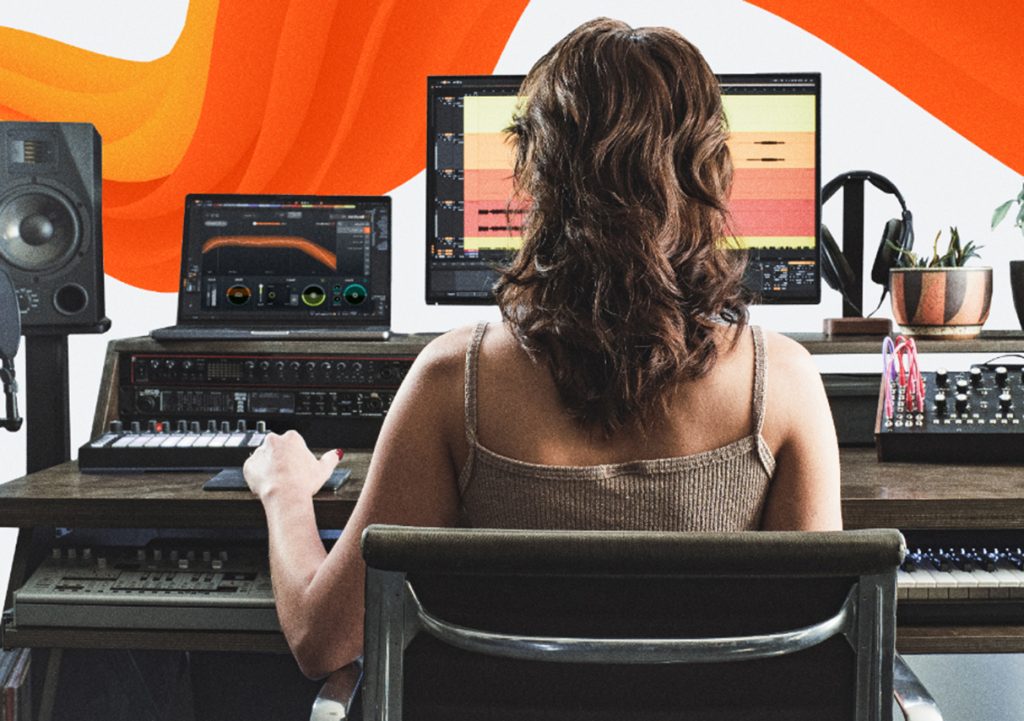
This marked the pivotal moment when I began incorporating iZotope into my workflow. Each piece of software offers unique capabilities, and when used in combination, they cover the entire audio production pipeline—from mixing to mastering:
- Ozone: Designed for mastering. Through its intelligent EQ, dynamic processing, and multiband compression features, I can quickly balance a track’s overall frequency spectrum—ensuring the low end is full and the high end is crisp—while simultaneously preserving the music’s dynamic range. Its Tonal Balance Control feature also provides a visual representation of the track’s frequency distribution, allowing me to identify problematic areas at a glance.
- Neutron: Primarily used for mixing. Its Track Assistant feature automatically analyzes each individual track, offering suggestions for EQ, compression, and spatial processing; this significantly reduces the time I spend on manual adjustments. It proves particularly effective when layering drums, vocals, and synthesizers, as Neutron intelligently optimizes these elements to quickly elevate the mix to a professional standard.
- RX: Dedicated to audio repair. Whether dealing with mouth clicks, background noise, or minor editing glitches in a recording, RX can precisely remove these artifacts without compromising overall sound quality. I once used RX to salvage a live recording where harsh wind noise and microphone handling noise were present; after processing, the unwanted noise vanished, leaving the track sounding instantly clean and crystal clear.
- Nectar: Focused specifically on vocal processing. It offers a comprehensive suite of tools, including automatic pitch correction, EQ, compression, noise reduction, and reverb. When recording pop tracks, a few simple settings in Nectar are all it takes to give the vocals a full, warm, and natural quality—saving me a considerable amount of time on manual fine-tuning.
My Personal Experience
Since integrating iZotope software into my workflow, my creative process has accelerated dramatically. Whereas I previously spent hours manually tweaking mixing parameters, Neutron’s Track Assistant and Ozone’s intelligent mastering analysis now provide optimization suggestions within minutes. I need only make minor tweaks to achieve results that rival professional-grade productions.
RX has empowered me to repair various forms of noise in my recordings, eliminating the need to re-record takes or compromise on the quality of my work due to minor sonic imperfections. Nectar instantly renders my vocals clean, bright, and layered, making every recording session significantly more efficient. What surprised me most were the intelligent and automated features embedded in this software, which allowed me to devote more energy to creativity and arrangement rather than getting bogged down in tedious technical adjustments.
During a complete production cycle, after mastering the track using Ozone, I gave it a listen; the overall sound was full-bodied and transparent, with vocals that were prominent yet natural. The low frequencies were powerful without being muddy, while the high frequencies were crisp without being harsh. Compared to my previous work, the difference was striking—iZotope software not only boosted my efficiency but also significantly elevated the audio quality.
The Advantages of Scientific Creation and Automation
iZotope’s software is powered by robust signal processing algorithms and machine learning technologies. For instance, the AI analysis features in Ozone and Neutron can automatically generate optimization schemes based on the unique frequency and dynamic characteristics of individual tracks. RX’s noise reduction and repair capabilities utilize spectral recognition to precisely eliminate unwanted noise without compromising the integrity of the original audio. Similarly, Nectar’s pitch and timbre processing features incorporate intelligent learning and analysis to ensure that vocal performances retain a natural quality.
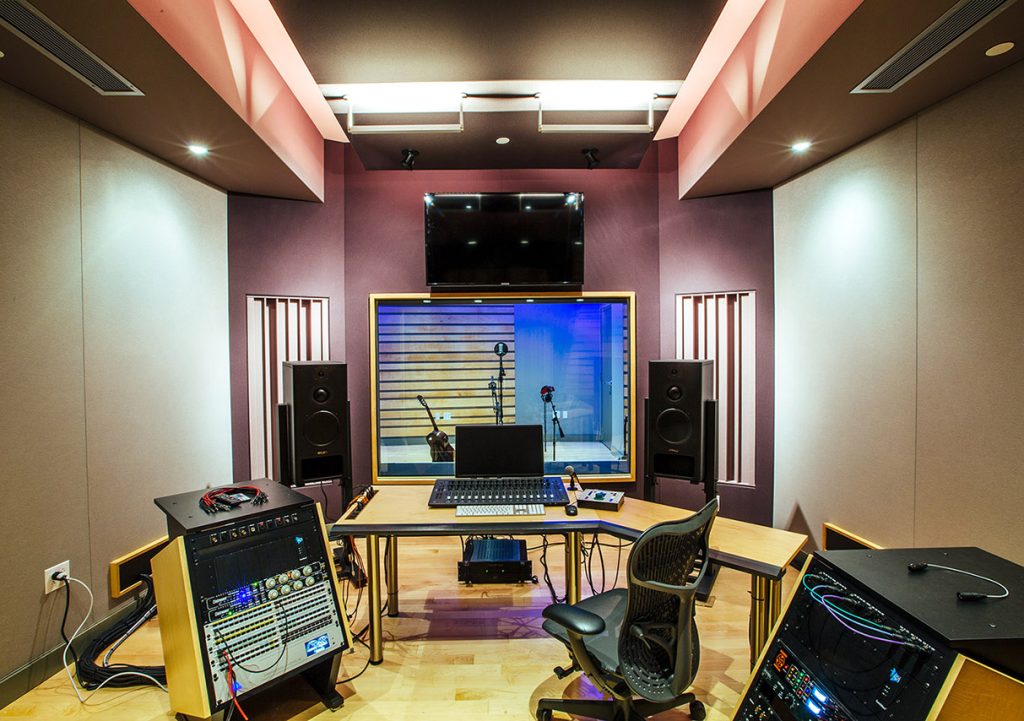
These scientific and intelligent features enable me to achieve professional-grade mixing and mastering right from my home studio, freeing me from the need to rely on expensive recording studios or complex hardware setups. This experience not only saves time but also significantly lowers the barrier to entry for music creation, empowering more music enthusiasts to produce high-quality works.
iZotope: Making Creation More Efficient and Professional
From mixing, audio repair, and vocal processing to mastering optimization, iZotope’s comprehensive software suite has vastly improved both my creative efficiency and the quality of my output. These tools not only help me quickly resolve technical challenges but also allow me to remain fully focused on creativity and musical expression.