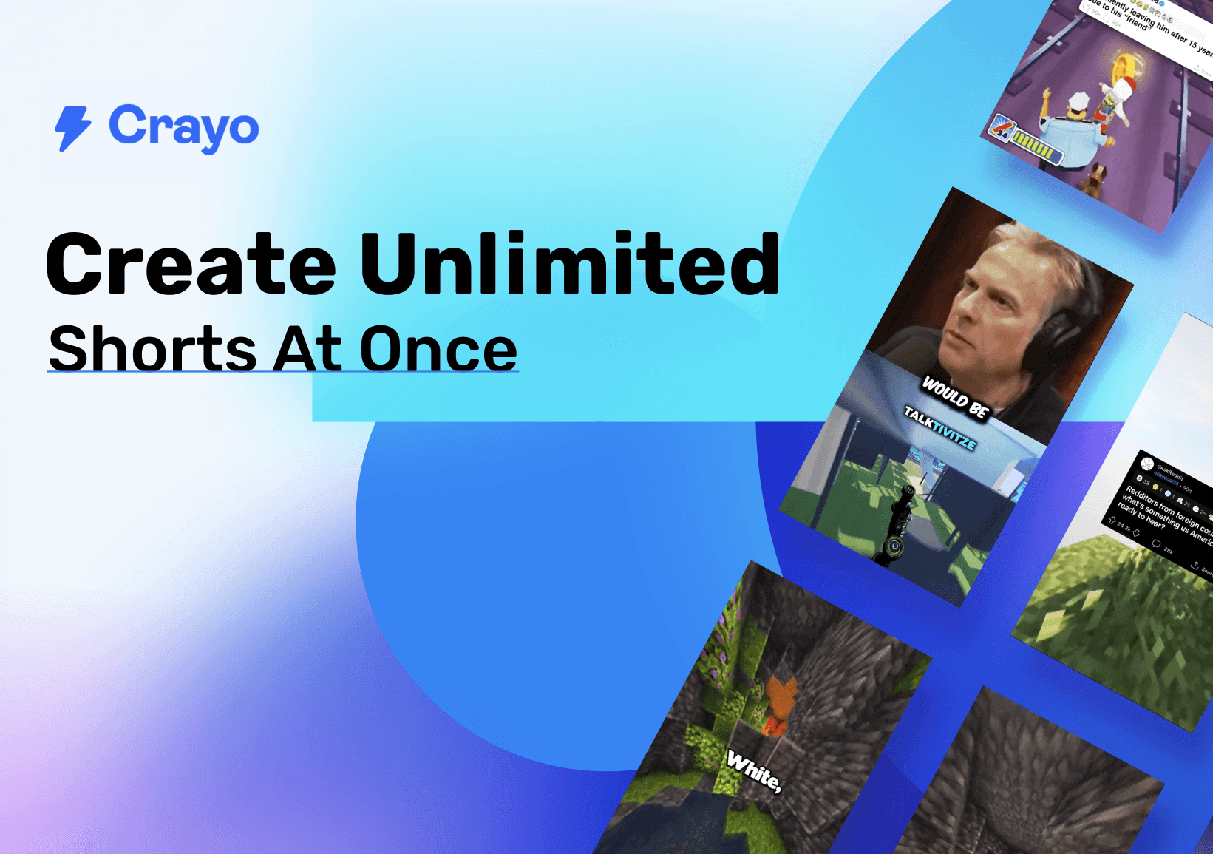
I have long been on the hunt for video editing tools that are both efficient and intelligent. In the past, my creative workflow was constantly slowed down by tedious editing tasks: selecting highlights, adjusting shots, adding subtitles, and choosing background music—each step consumed a significant amount of time. With the advancement of AI technology, I decided to experiment with several popular platforms—Pictory, Descript, and Crayo. This experience gave me a much more intuitive understanding of “AI editing” and ultimately led me to firmly settle on Crayo.
Pictory: A Quick Solution for Distilling Short Clips from Long Videos
The first platform I tried was Pictory. It excels at extracting short clips from longer videos, automatically generating short-form versions ready for use on social media platforms. After uploading my footage, the AI analyzes both the visuals and audio, quickly identifying key highlights and generating multiple editing drafts. I tested it by editing a 30-minute travel vlog; within just a few minutes, I had a rough cut of a short video.
The results were generally satisfactory: the shots selected by the AI were concise and rhythmic, though the overall style felt a bit formulaic. While it is highly effective for condensing long videos, Pictory’s intelligent processing felt a bit too conservative for creators looking to produce eye-catching, highly original short videos or capitalize on trending topics. I found that I still needed to spend time manually fine-tuning transitions and background music to make the videos feel truly lively and engaging. In short, Pictory is best suited for quickly generating short clips from existing long-form content; however, for creators chasing high click-through rates and the viral pace required for hits, its level of AI sophistication still leaves room for improvement.
Descript: Text-Driven, Precise Editing
Next, I gave Descript a try. The standout feature of this tool is its “text-driven editing” capability: you can edit your video directly by modifying the text transcript, and the subtitles and video footage will automatically sync and adjust accordingly. For podcasts or explanatory videos, this is undoubtedly an incredibly convenient feature.
I used it to edit a video of my daily life, and the AI’s speech recognition and subtitle generation were remarkably accurate. It even features an “Overdub” function that allows you to record voiceover corrections, making it an ideal tool for creators who work from scripts. However, the overall workflow still felt somewhat cumbersome for short-form video creators: I still had to manually select highlights and adjust shot durations to ensure the video’s pacing aligned with the fast-paced style typical of platforms like Douyin or TikTok. Furthermore, exporting to multiple platforms requires manual parameter configuration, meaning the overall workflow isn’t exactly effortless.
Descript’s strengths lie in its precision and flexibility, but it is better suited for detailed editing or explanatory content. If your goal is rapid video production, chasing trending topics, or creating viral short-form videos, its efficiency remains somewhat limited.
Crayo: An Intelligent Assistant Focused on Short-Form Video
Finally, I gave Crayo a try—and the entire experience completely revolutionized my understanding of short-form video editing. Crayo specializes in short-form video creation and the editing of trending content; for a creator like me who constantly chases trends, this instantly saved me a significant amount of time.
For my first test with Crayo, I uploaded some travel footage. Within minutes, the AI automatically analyzed the visuals, audio, and narrative pacing to generate several different edited versions. To my astonishment, the AI not only identified subtle details I had overlooked myself but also intelligently matched background music and transition effects. Subtitles were generated automatically with remarkable accuracy, requiring almost no manual correction on my part.
I decided to compare Crayo’s editing speed against that of Pictory and Descript: using the exact same source material, it would have taken me three to four hours to complete the edit on the other two platforms; on Crayo, however, the entire process—from uploading to exporting—took less than fifteen minutes. More importantly, Crayo preserves creative freedom; while I can still fine-tune shot durations, adjust transitions, or swap out music, the foundational edit is already near-perfect. This blend of efficiency and intelligence finally allows me to devote more of my time to creativity and storytelling, rather than getting bogged down in repetitive technical tasks.
Furthermore, Crayo is incredibly user-friendly when it comes to multi-platform publishing. I only need to export the video once, and it automatically adapts to platforms like YouTube, TikTok, and Instagram—eliminating the need for manual adjustments to aspect ratios or video durations. For a creator like me who publishes across multiple channels, this is undoubtedly a massive advantage.
User Experience and Takeaways
After using Crayo for a while, I’ve discovered that it doesn’t just save time—it actually elevates the quality of my videos. The pacing is tight, the highlights are focused, the subtitles are accurate, and the effects feel natural; the overall result is both professional and engaging. Compared to the template-driven rigidity of Pictory or the cumbersome workflow of Descript, Crayo feels far more intuitive and fast-paced—making it much easier to produce content that aligns with the dynamic rhythm of today’s trending short-form videos.
What delights me most is that this newfound efficiency empowers me to experiment with even more creative ideas. I can now shoot multiple short video clips in a single session, quickly generate finished videos, and publish them immediately—giving me a massive boost in creative freedom. In the past, I often let inspiration slip away because the editing process was so time-consuming; now, that frustration is a thing of the past. Every video can be finalized rapidly, allowing me to publish new content almost every day. This keeps my audience engaged while simultaneously boosting my video click-through rates and interaction levels.
Why Choose Crayo?
Reflecting on my experiences with these three platforms, my conclusion is crystal clear: if your goal is short-form video creation, efficient production, capitalizing on trending topics, and multi-platform publishing, Crayo is the ideal choice. While Pictory is fast, its stylistic options are limited—making it better suited for condensing long-form videos. Descript offers flexibility and precision, but its interface is complex and lacks overall efficiency. Crayo, on the other hand, strikes the perfect balance between speed, intelligence, and creative freedom, transforming short video production into a process that is effortless, rapid, and professional.
From uploading raw footage, AI-powered editing, and generating subtitles and special effects, to exporting for multiple platforms—the entire workflow is efficient, intuitive, and intelligent. This allows me to focus my energy on creative concepts rather than being bogged down by repetitive, manual tasks. Crayo is more than just an editing tool; it acts as an intelligent assistant for creators, helping every video quickly reach the caliber of a viral hit.
Crayo: The New Essential Tool for Short Video Creation
Since I started using Crayo, my creative experience has been completely transformed. Short video production is no longer a tedious chore, but rather a relaxed, efficient, and creatively fulfilling process. It grants me more time to experiment with different ideas and capitalize on trending topics, while also enabling me to maintain a consistent publishing schedule across multiple platforms. For me, Crayo has become an indispensable tool for short video editing—and the ultimate choice for any creator who values both efficiency and professional-quality results.